



Trade anywhere
As long as you have an Internet connection and a browser, you can log in to your account to view quotes, manage positions and execute transactions.
MetaTrader Web Version
There is no need to download and install software. You can log in to your MT5 trading account from anywhere in the world through a web browser. The MT5 web version retains the familiar charting, quotation, order and account management experience of the desktop version, and is suitable for customers who want to quickly access the trading environment.
MetaTrader WebTrader brings MetaTrader’s fast order execution capabilities to web-based applications. Clients can access market quotes, manage positions, and complete trades without the need for a desktop client through GD Markets Global’s trading environment.
The MT web version has the same market spreads, secondary market quotes and one-click trading functions as the desktop trading client, helping you quickly check positions, account status and current market opportunities.
The web trading platform has the same low spreads, secondary pricing and one-click trading capabilities as the desktop version of MetaTrader, and provides a clear account and position monitoring experience.
As long as you have an Internet connection and a browser, you can log in to your account to view quotes, manage positions and execute transactions.

Access a more competitive raw spread and transparent commission environment with ECN Professional.

Execute orders directly from quotes and charts in Fast Markets, reducing duplication.

View available price and liquidity tiers to gain a clearer understanding of the current market quote structure.

Supports common orders, stop loss and profit and position management processes to meet different trading strategies.

View positions, transactions and account status through the account panel to make transaction management clearer.
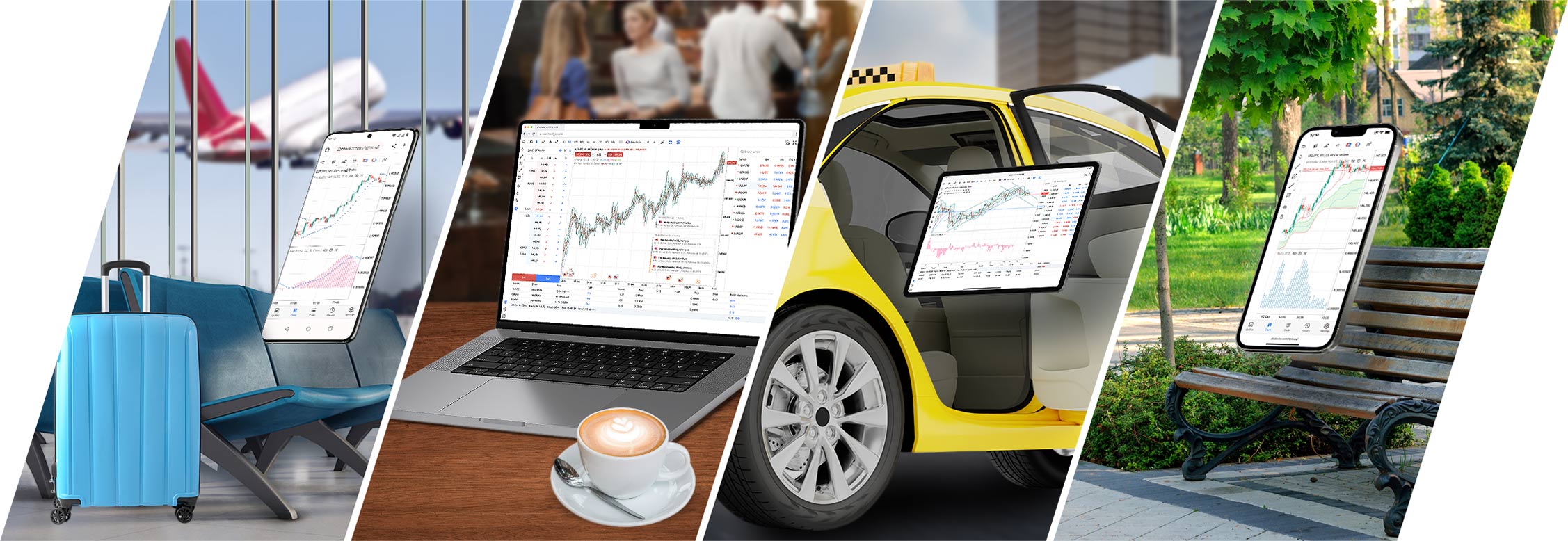
The web trading platform is nearly identical to the desktop version of MetaTrader, ensuring platform reliability and compatibility with the MetaTrader ecosystem. The application is safe and secure, and all transmitted data is securely encrypted.
Trade Forex and CFD anytime, anywhere, conveniently and securely. You can use the same trading account to log in to MetaTrader desktop and MT web versions.
The design of the trading environment emphasizes transparent execution and reduces unnecessary intervention.
Clients can save more on trading costs through low spreads and clear fee structure.
The web page is also designed for fast trading access and stable order execution.
Supports 0.01 lot transactions to help customers manage risks more precisely.
Manage funds through the client area, and the connection between the trading account and the web platform is more direct.
No complicated installation is required, and the trading platform can be accessed in commonly used browsers.
Before you start trading, open a STANDARD Standard or ECN Professional. After the account is successfully registered, you can find the web trading account details in the client area and enter the web platform from the trading tools area.
Select STANDARD Standard or ECN Professional.
Start web trading in the trading tools or download area of the client area.
Log in using the account number, password and server information sent to you.
View quotes, set up charts and manage trades from your browser.
Ideal for customers who need fast login, multi-device access, and streamlined transaction processes.