

GD Markets Global

Mobile trading platform

Log in to your MT4 / MT5 trading account from your iPhone, iPad or Android device to view FX and CFD quotes in real time, manage positions and execute trades directly from the charts. The mobile version retains MetaTrader’s familiar orders, charts, indicators and account management experience, allowing you to stay connected to the market when you leave the desktop.

MetaTrader iOS trading system
iPhone / iPad

Trading on iPhone or Tablet

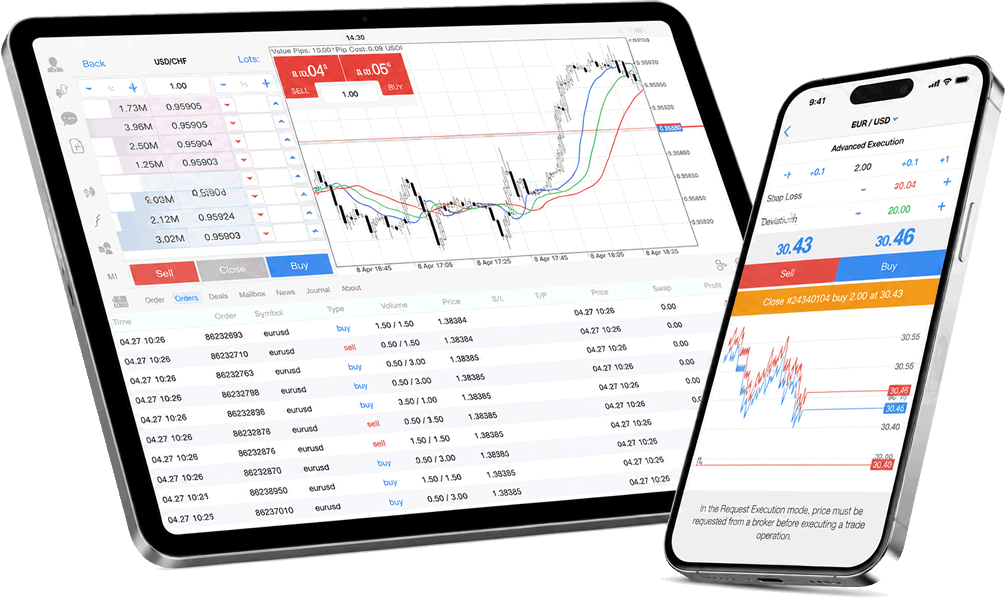
MT mobile version supports iPhone and iPad, allowing customers to flexibly manage their accounts through landscape/portrait view switching, customizable layouts, one-click trading and advanced chart analysis without affecting execution speed or trading experience.

  • Compatible with iPhone and iPad, for iOS 7.0 or later.
  • A free mobile app is available for download from the App Store.
  • Supports real-time interactive charts, order management and transaction history viewing.
MetaTrader Android trading system
Android

Trading via Android device

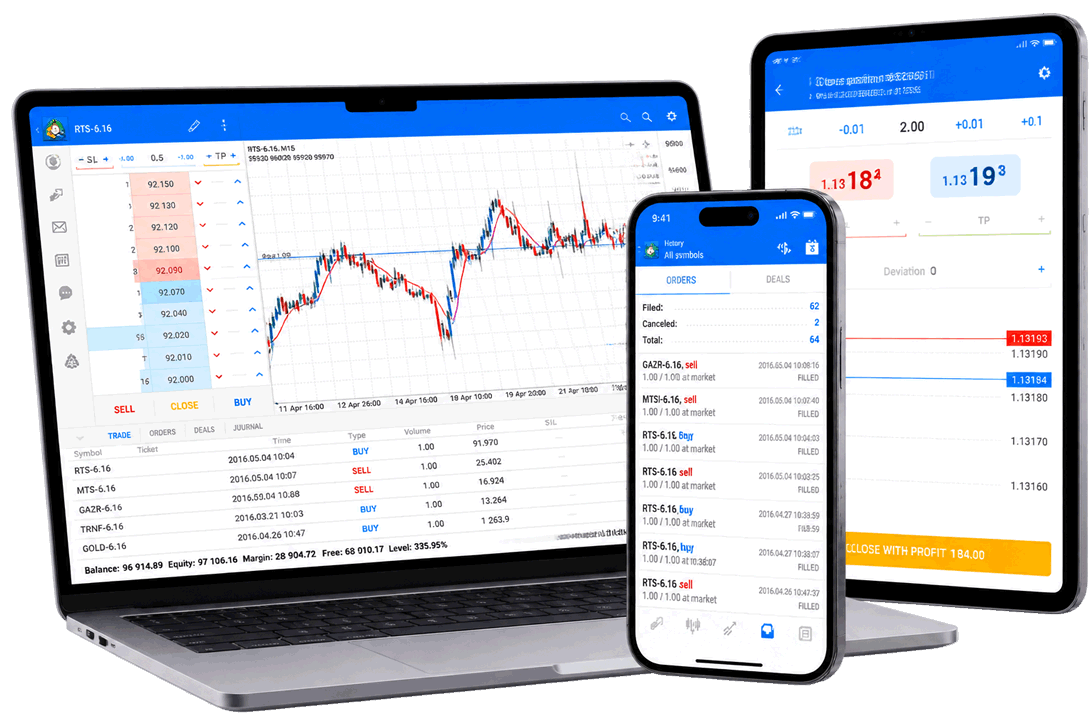
The Android version offers easy account login, one-click trading on multiple screens, customizable layouts, full trading history and advanced charting tools. Customers can manage their accounts and trade various products provided by the platform on the mobile terminal.

  • Available on Android 4.0 or higher.
  • A free mobile app can be downloaded from the Android App Store.
  • Supports 30+ technical indicators and multi-time period market analysis.

Why use MT5 Mobile?

MetaTrader for Mobile puts real-time quotes, full orders, chart trades, execution patterns and history into your mobile and tablet devices, allowing you to monitor the market from anywhere.

Real-time quotation

View real-time prices in the foreign exchange and CFD markets and quickly track key products.

Complete transaction order

Supports common trading operations such as market orders, pending orders, stop loss and take profit.

Trading directly on the chart

Observe trends and execute orders through moving charts, reducing switching steps.

Execution mode support

Support MetaTrader’s multiple execution modes to maintain a familiar trading process.

Complete transaction history

View historical orders, transactions and account transaction records at any time.

Interactive charts

Real-time charts support zooming and scrolling to facilitate market analysis on mobile devices.

30+ technical indicators

Conduct market analysis using multiple technical indicators and custom parameters.

Multiple time periods

Observe price trends through multiple time periods and match different trading strategies.

Three chart types

Supports bar charts, candle charts and line charts to adapt to different analysis habits.

Stay connected to the market more flexibly

The mobile version is suitable for customers who need to check their accounts, track positions, quickly process orders and switch between different devices when going out. You can use the same MT4 / MT5 trading account to log in to the desktop, web and mobile versions.

Simple user interface Chart showing transaction level and volume View prices and chart symbols in offline mode App Store / Android market free download Support STANDARD and ECN trading accounts Consistent with desktop account information

Start using MT mobile version

After the account is opened and reviewed, you can view the account details in the client area, then install the MetaTrader mobile application from the corresponding application market and connect to the GD Markets Global server.

1

Open an account

Select STANDARD Standard or ECN Professional.

2

Install application

Download MT mobile version from App Store or Android App Store.

3

Log in to the server

Enter account number, password and server information.

4

Start trading

Add products, set up charts and manage mobile orders.

Use GD Markets Global’s MetaTrader trading environment via iOS and Android devices.

Ideal for customers who require mobile monitoring, fast login, and multi-device transaction management.